Take a look, then take us for a free 30-day test drive.
-
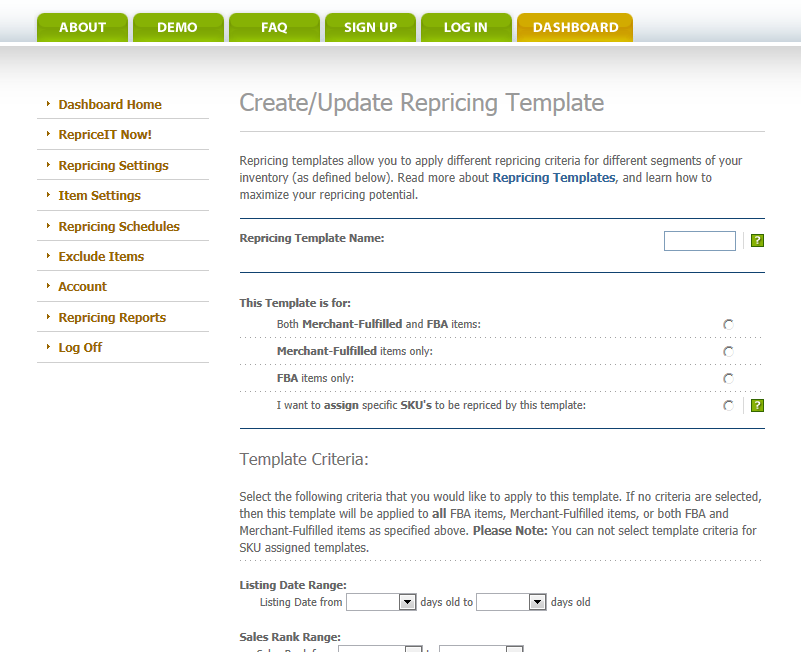
Inventory is not created equal. Segment your inventory in countless ways, and apply different sets of repricing rules to different parts of your inventory.
-
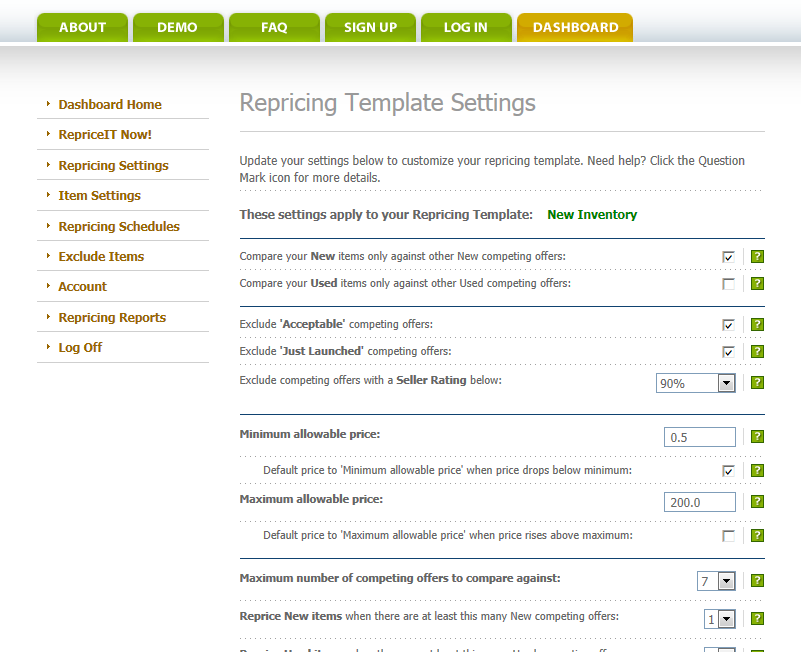
The Way You Want It. Choose from over 30 settings to personalize your repricer to meet your specific needs.
-
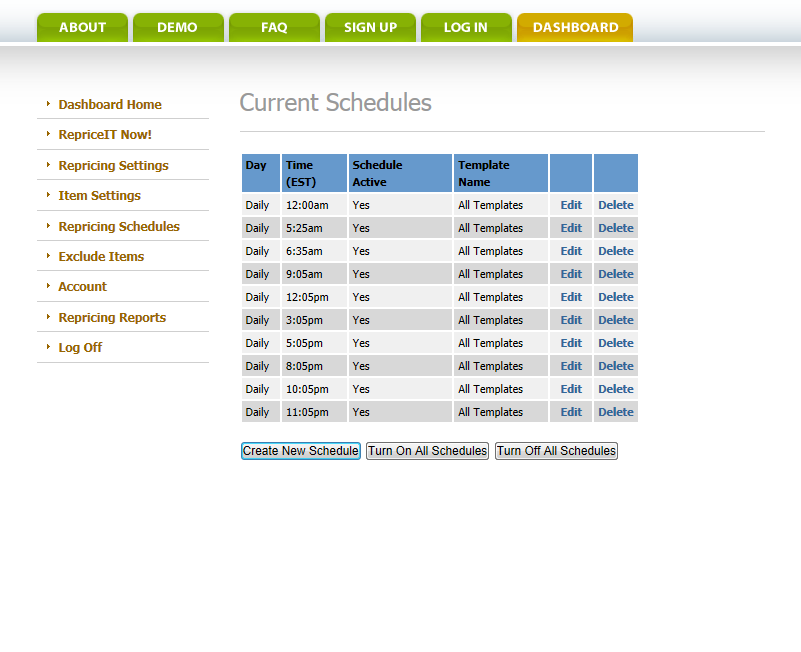
When You Want It. Flexible Scheduling allows you to focus your repricing events around peak buying times on Amazon when pricing matters most.
-
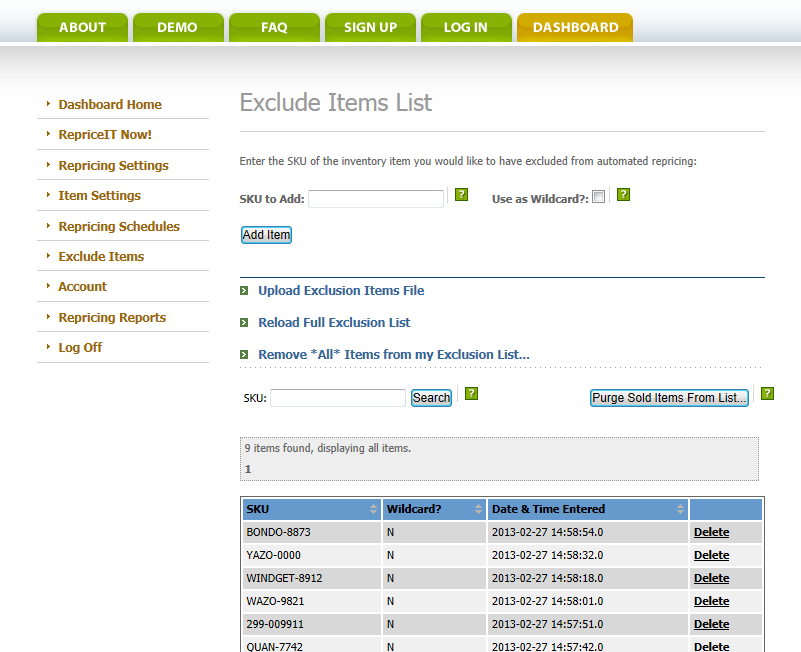
Reprice Only What You Want. Easily Exclude items from repricing.
-
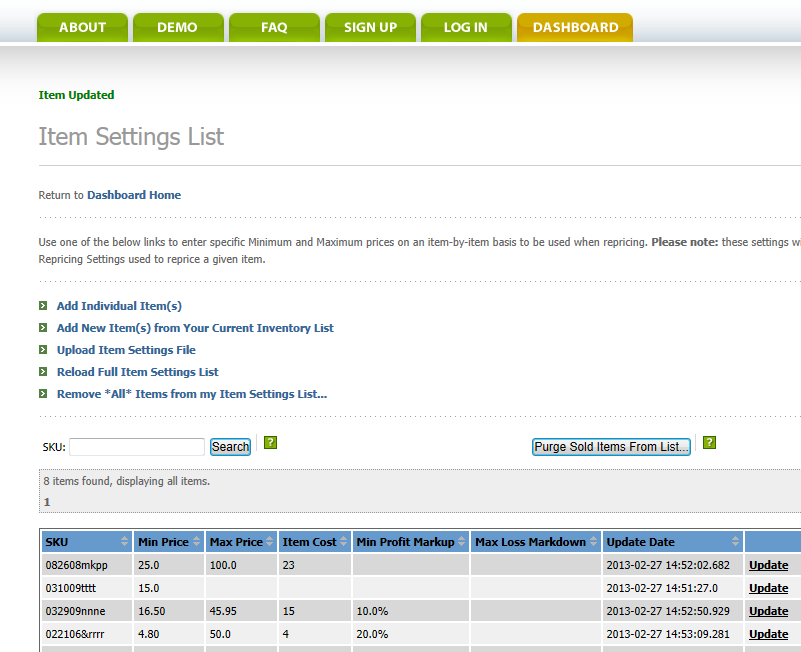
You're in Control - Set Min and Max prices and more on an item-by-item basis.
-
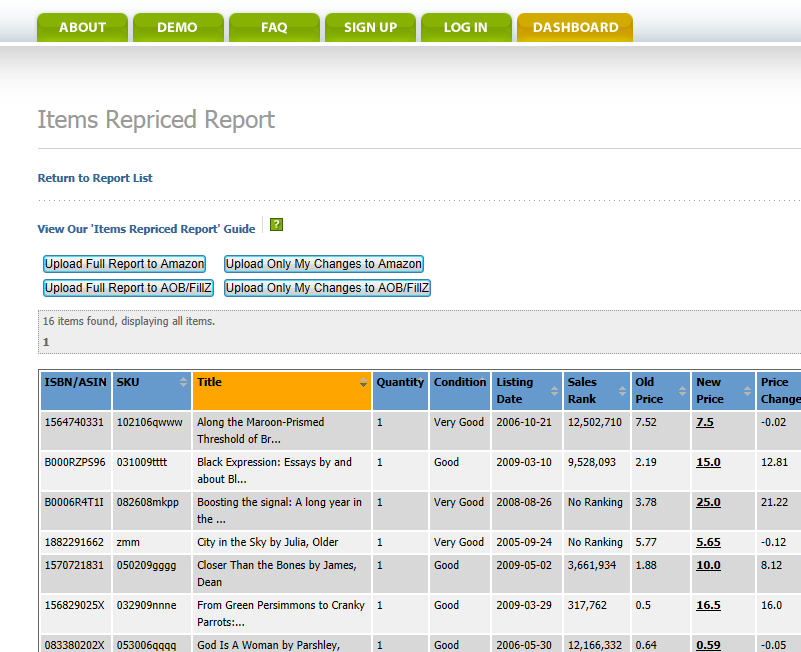
Monitor the Results. View detailed repricing reports online after each repricing event. Upload your pricing changes to Amazon yourself, or we can automate it for you.
-
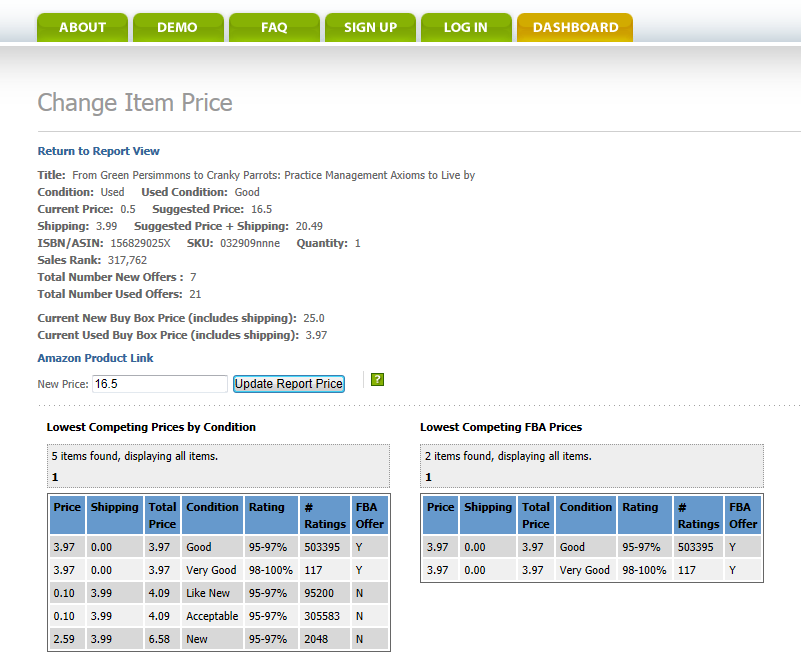
Competitive Analysis. Drill down into each item, to see what your competition is doing.